
Download Contacts Backup Restore Data APK – contact backup, contact restore, contact transfer, contact recovery, vcf file, cloud backup, QR code, Android backup tool, mobile backup utility
Overview
Contacts Backup & Restore Data is a free Android utility designed to help users safeguard their contact information. The application enables users to create backups of their entire contact directory, offering flexibility in how the data is stored and managed. With a focus on simplicity and accessibility, it serves as a reliable tool for individuals who want to preserve their contact list—especially when transitioning to a new device. The software is particularly useful for users who may not rely on built-in cloud services like Google Contacts or who are using devices with limited access to such features.
It addresses the common challenge of losing valuable contact data during device replacement, system resets, or accidental deletions. The app supports the creation of a single .vcf file, a standard format widely accepted across platforms, making it easy to transfer or restore contacts. Additionally, users can opt to upload backups to the cloud for remote access. Real-world use cases include preparing for a new smartphone purchase, recovering lost data after a factory reset, or sharing contact lists with family members or colleagues.
Developed by MKK Games, the application is positioned as a straightforward mobile backup solution. While most modern Android devices offer native contact backup options, this tool provides an alternative layer of security and control. Its user-centric design ensures that even non-technical users can navigate the backup and restore process with minimal effort.
Key Features & Capabilities
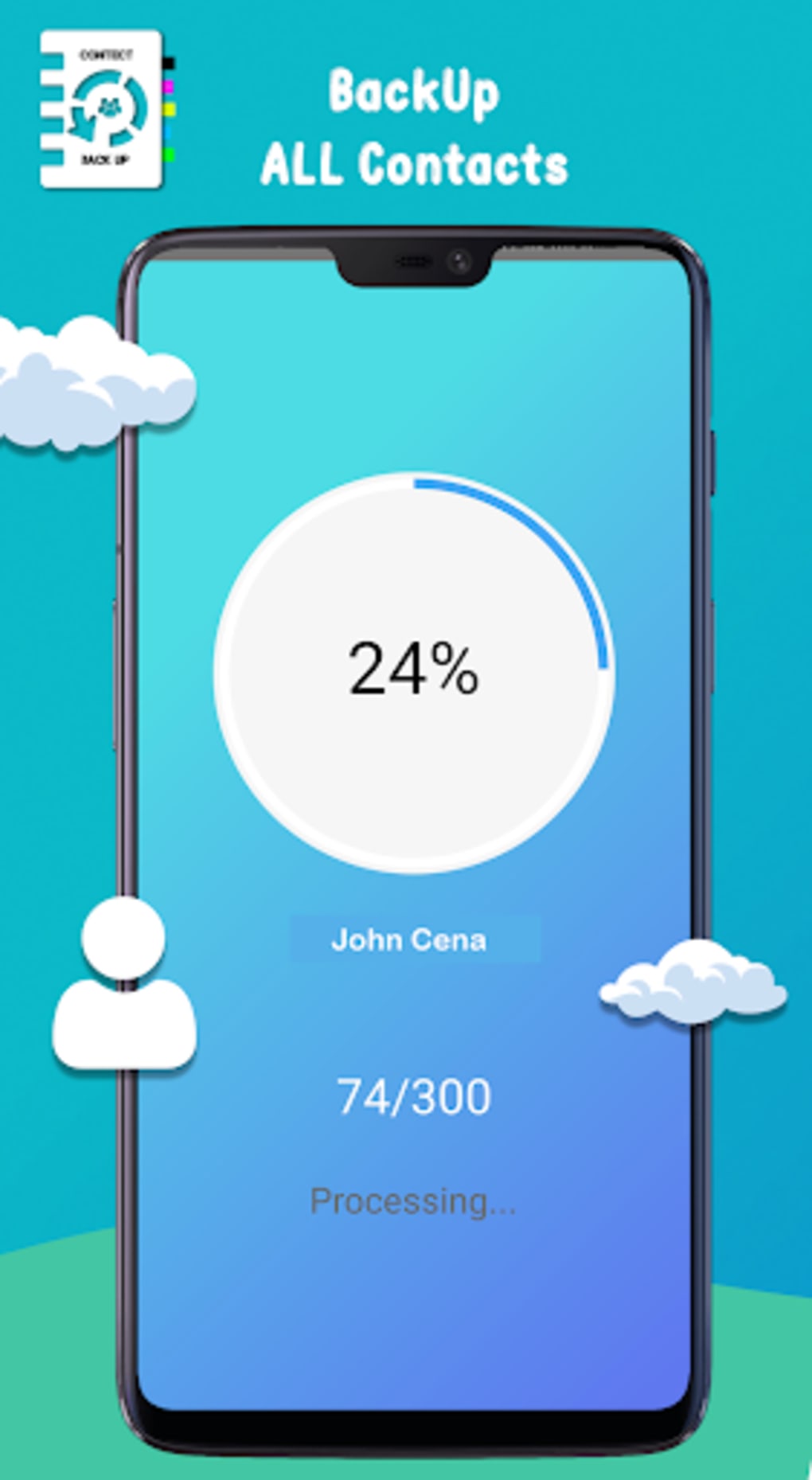
- Backup Creation – Scans the device’s contact database and generates a comprehensive backup in a single .vcf file.
- Cloud Upload Option – Allows users to securely upload their contact backup to a cloud storage service for remote access and recovery.
- Restore Functionality – Enables users to restore contacts from a previously saved .vcf file or cloud backup to their device.
- Contact Sync – Offers the ability to sync contacts automatically, ensuring the backup remains up to date.
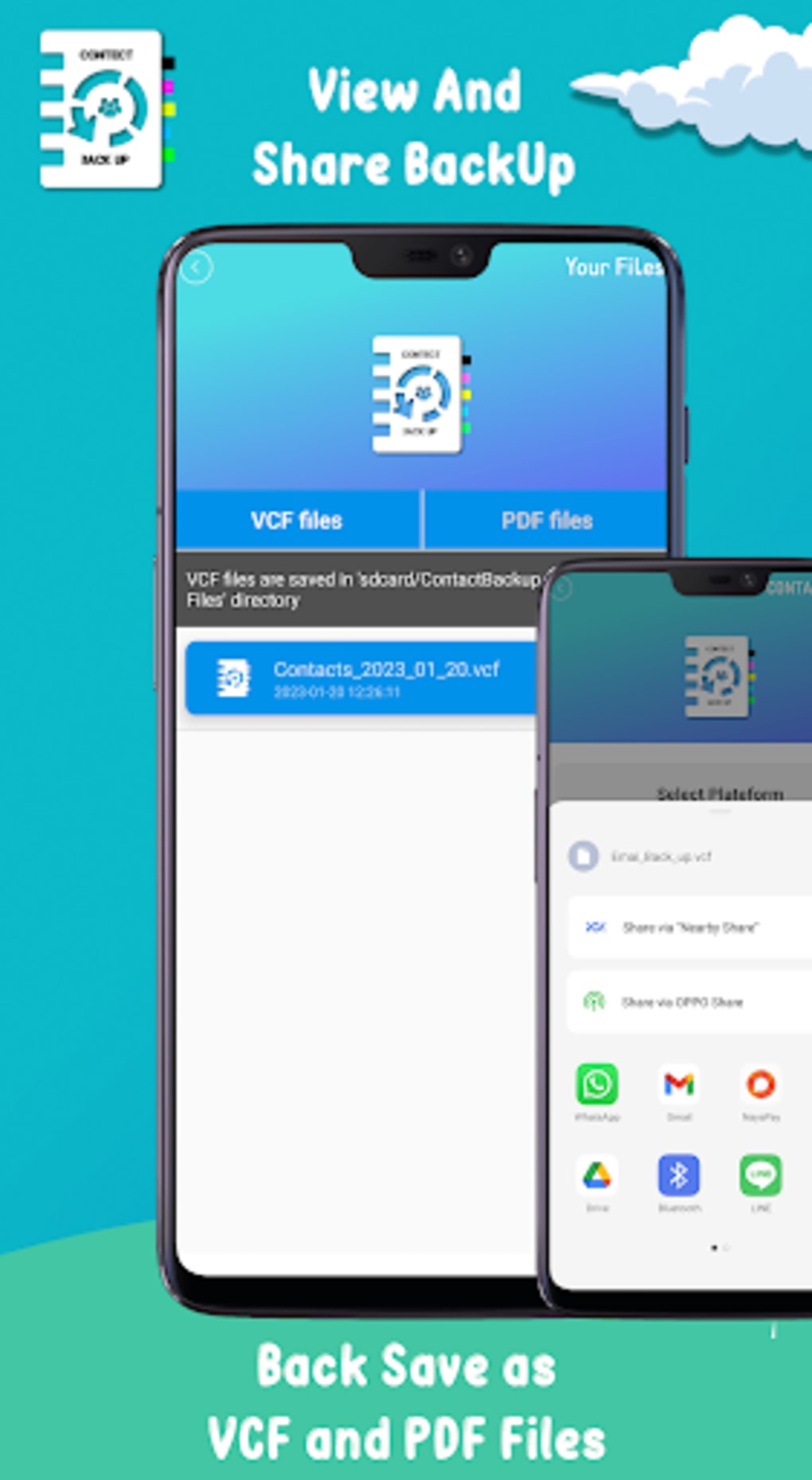
- Multi-Format Sharing – Provides options to share the contact list via .vcf file, QR code, or direct sharing through messaging apps.
- Simple Interface – Features a minimal, intuitive UI that guides users through backup and restore workflows without technical complexity.
These features support a wide range of practical scenarios. For example, a user preparing to upgrade their smartphone can use the app to export their contact list before wiping the old device. Similarly, someone who accidentally deletes a contact group can restore it using the most recent backup. The ability to generate a QR code allows for quick, paperless sharing of contact information during meetings or events. The inclusion of sync functionality helps maintain data consistency over time, reducing the risk of outdated backups.
User Interface, Workflow & Performance
The user interface of Contacts Backup & Restore Data is designed with simplicity in mind. The main screen presents clear, action-oriented buttons such as “Create Backup” and “Restore,” minimizing cognitive load and reducing the chance of user error. Navigation is linear and consistent, guiding users through each step of the backup or recovery process without unnecessary detours.
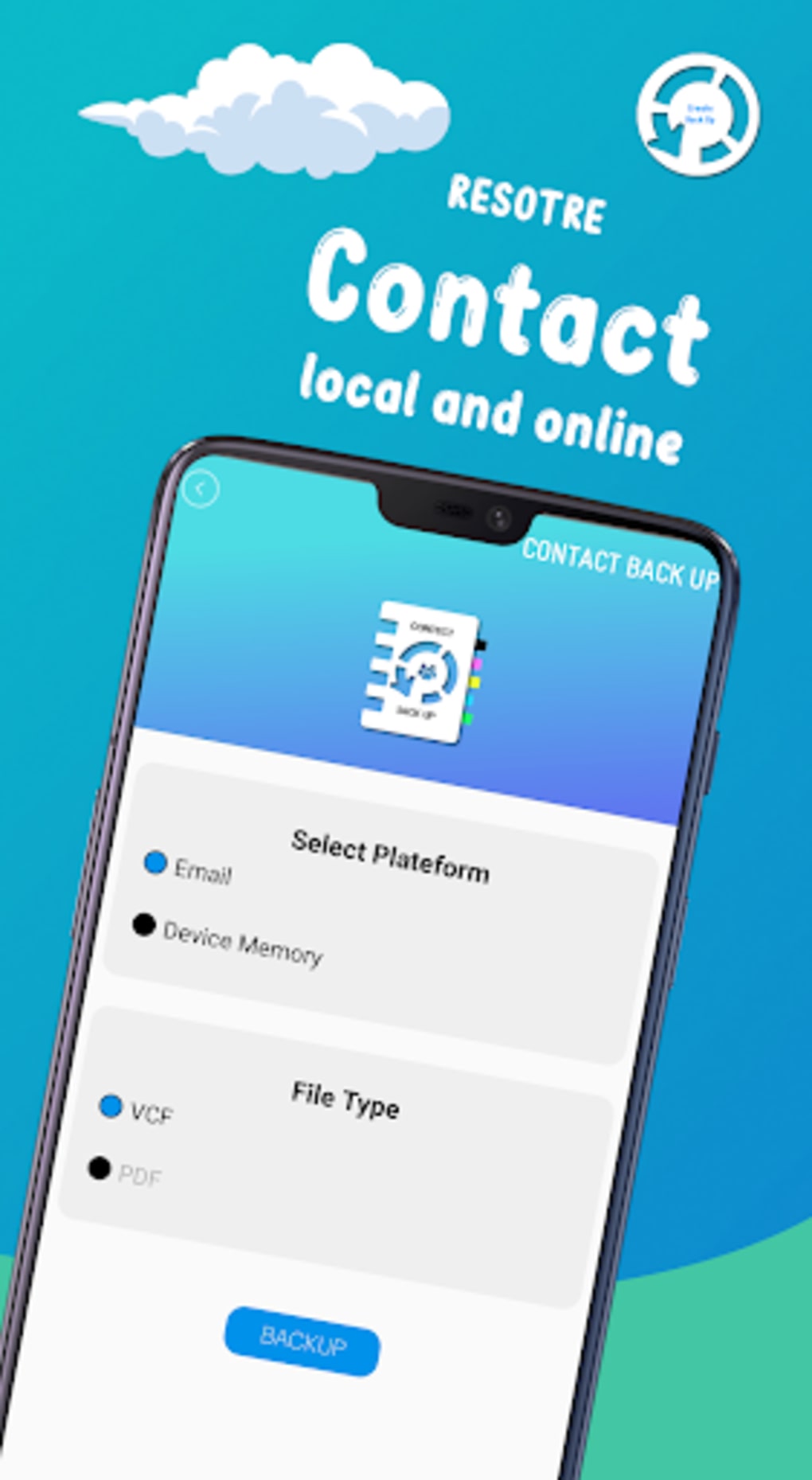
Workflow efficiency is high, as the app performs contact scanning and file generation quickly, especially on devices with smaller contact databases. The process typically involves selecting the backup method (local file or cloud), confirming the operation, and waiting for completion—steps that are clearly labeled and easy to follow. The restore process mirrors this structure, ensuring consistency.
Performance details were not specified by the developer. However, based on general behavior of similar lightweight Android utilities, the app is expected to operate efficiently without significant impact on device resources. The developer did not provide information on CPU or RAM usage. Stability appears to be maintained through straightforward operations, with no reported issues related to crashes or data corruption. Users should expect smooth operation during standard use, though performance may vary depending on device age and storage speed.
Compatibility & System Requirements
Contacts Backup & Restore Data is designed for Android devices. The application is compatible with Android operating systems, though specific version requirements were not listed. The installation size is 12 MB, indicating a lightweight footprint that should fit on most Android smartphones and tablets.
Exact system requirements were not listed. Compatibility information is limited to the platform, suggesting it may support a broad range of Android versions. Users are advised to check the app’s official listing for device-specific compatibility. The app does not require root access or special permissions beyond standard contact access, which aligns with typical mobile backup tools.
Hardware requirements are not specified. However, given the app’s size and function, it is likely to run efficiently on devices with standard processing power and at least 1 GB of RAM. The developer did not provide details on supported screen sizes or device types.
Pros and Cons
Pros
- Free to download and use with no in-app purchases
- Simple, intuitive interface suitable for non-technical users
- Supports .vcf file export for universal compatibility
- Offers cloud backup for remote access and recovery
- Enables contact sync to maintain up-to-date backups
- Provides multiple sharing options, including QR code and messaging apps
Cons
- Redundant for users already using Google Contacts or built-in backup features
- No detailed system requirements or performance metrics provided
- Cloud upload functionality may depend on third-party services not specified
- Limited customization options for backup settings
- Developer information is minimal, offering little insight into support or updates
FAQ Section
Is Contacts Backup & Restore Data safe to use?
The app requests access to contact data, which is necessary for backup and restore functions. As it is developed by MKK Games and distributed through official Android channels, it is considered secure for standard use. However, users should ensure they download the APK from trusted sources to avoid modified or malicious versions.
Can I use this app on any Android device?
The application is designed for Android, but specific version compatibility was not listed. It is recommended to check the app’s official listing for supported Android versions. Most modern Android devices should be compatible, though older models may experience limitations.
Does the app require an internet connection?
An internet connection is required only for cloud backup and restore functions. Local backups using the .vcf file can be created and restored without internet access. The app operates fully offline for basic backup and restore tasks.
How often should I update my contact backup?
It is advisable to create a new backup after adding or removing multiple contacts, or periodically (e.g., monthly) to ensure the latest data is preserved. The app supports contact sync, which can help maintain backup freshness without manual intervention.
Can I restore contacts from a backup on a different device?
Yes, the .vcf file format is widely supported across Android devices. You can transfer the backup file to another phone and use the app’s restore function to import contacts. This makes it ideal for device transitions or data recovery scenarios.
Final Thoughts
Contacts Backup & Restore Data delivers a straightforward and effective solution for safeguarding contact information on Android devices. While many smartphones already include built-in backup tools, this app offers a valuable alternative for users who prefer an independent, third-party option or who are using devices without access to cloud-based contact management. Its simple interface, support for multiple export and sharing formats, and cloud backup capabilities make it a practical tool for both everyday use and emergency recovery.
Although it may feel redundant for users already leveraging Google’s ecosystem, it remains a solid choice for those seeking an extra layer of data protection. The app is lightweight, free, and functional, making it accessible to a broad audience. For individuals who value control over their contact data and want a reliable backup method, this tool is worth considering.
Download Contacts Backup & Restore Data now





.png)

